How It Works
Step 2
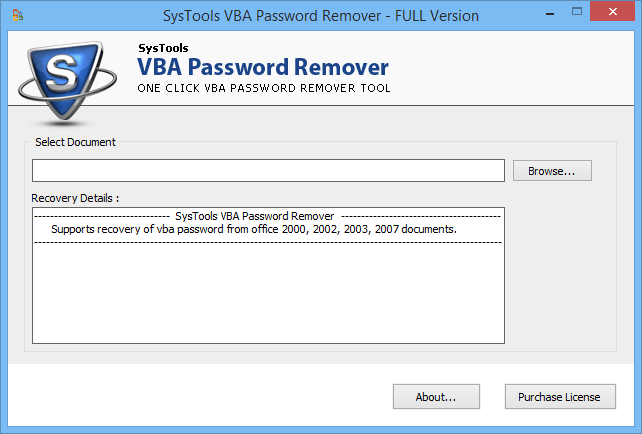
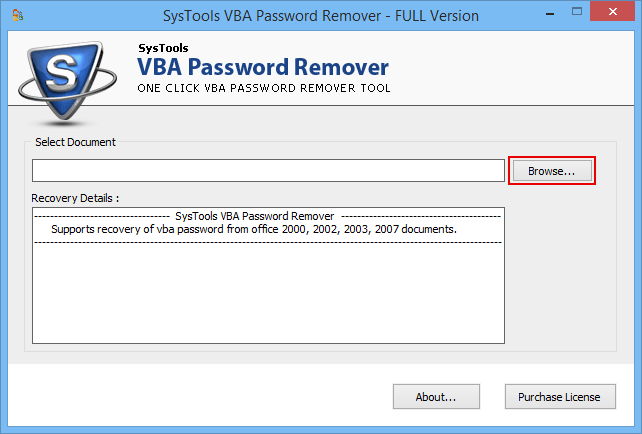
Next step is to select MS Office documents having VBA password. Click on Browse button to select the file as shown in the figure below.
Step 3
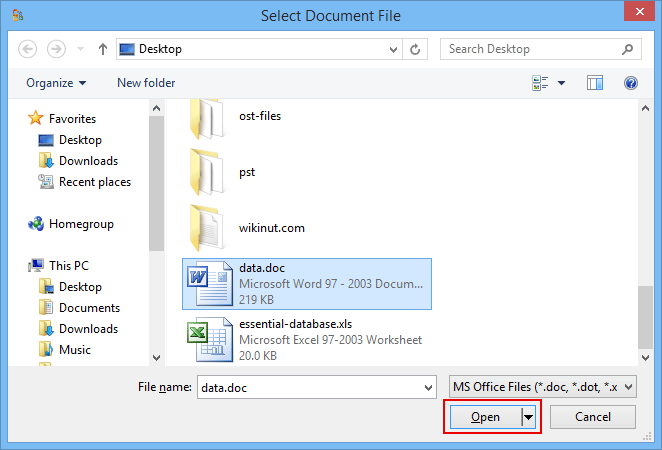
After clicking on browse button, software will display an Select Document File window. Just Select the file and click on Open button.
Step 4
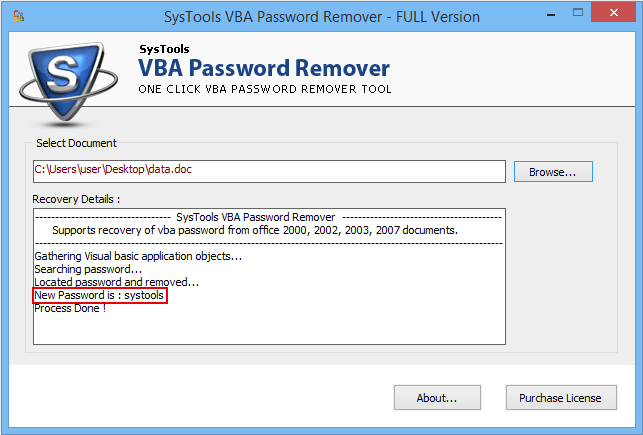
After selecting the files, software will remove the password and display new password as shown below.