How it Works
Step 2
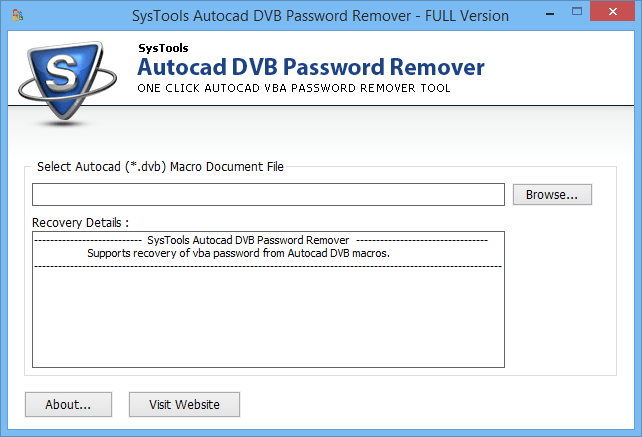
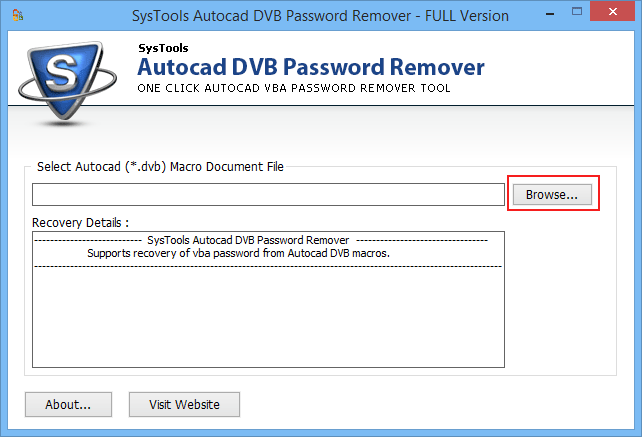
Add file to the software by clicking on the Browse button.
Step 3
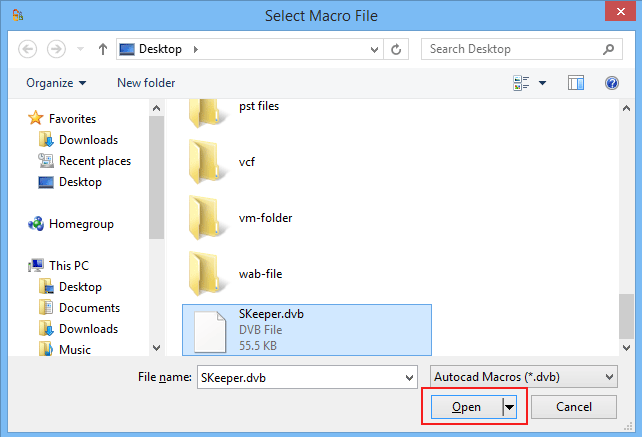
Click on the Open button once you select the file.
Step 4
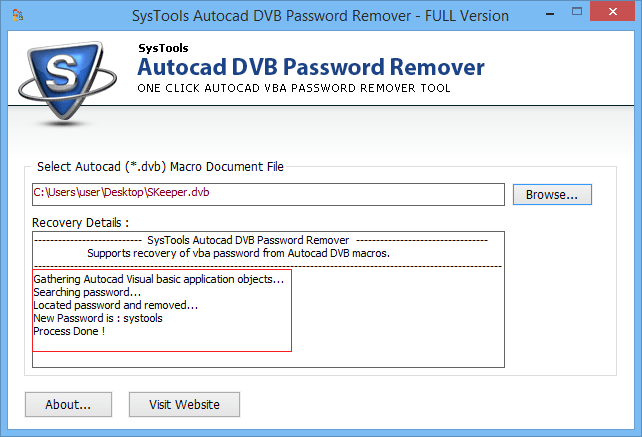
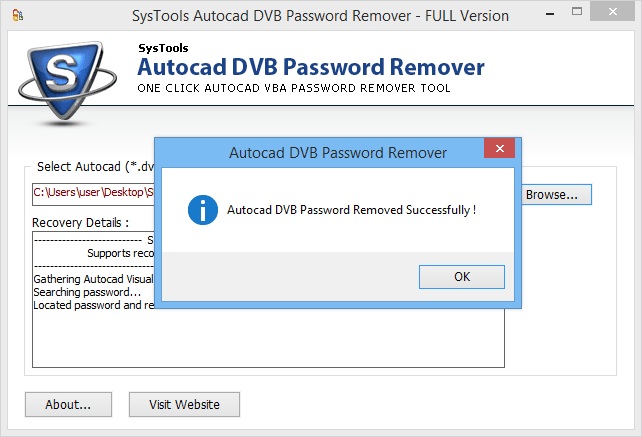
After adding the file to the software, a pop up window will appear showing the password has been reset successfully.
Step 5
Now you can see the newly generated password.